Environments, Labels, and Iterations
Environments
To add a new Environment, do the following:
Click Configuration.

Click Environment under General section.
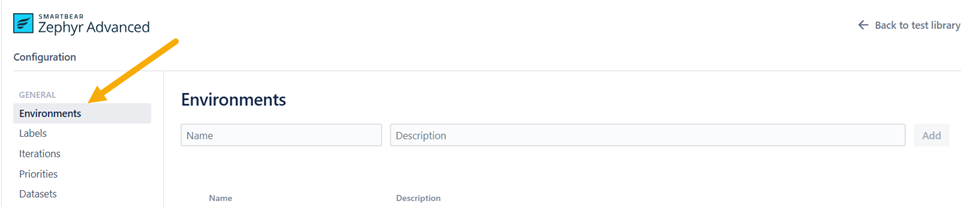
Enter the name and description of the environment. Click Add.

You can also Archive or Delete a particular environment.

To add a new environment to a test case, do the following:
Click the Test Cycles view.
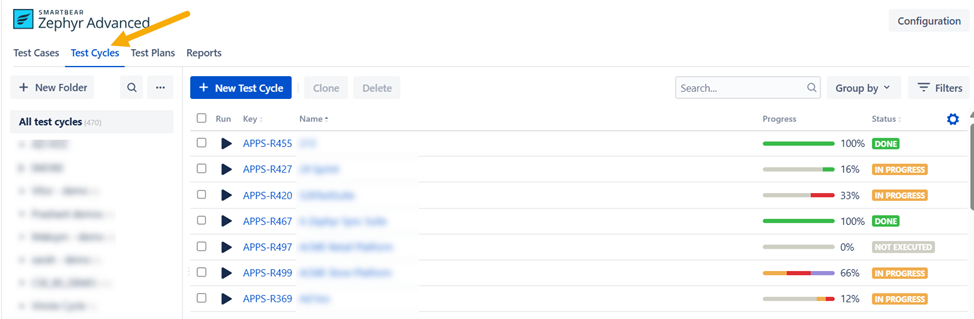
Select any of the test cycles.
Click Test cases.
Select the environment you want to add to a test case.
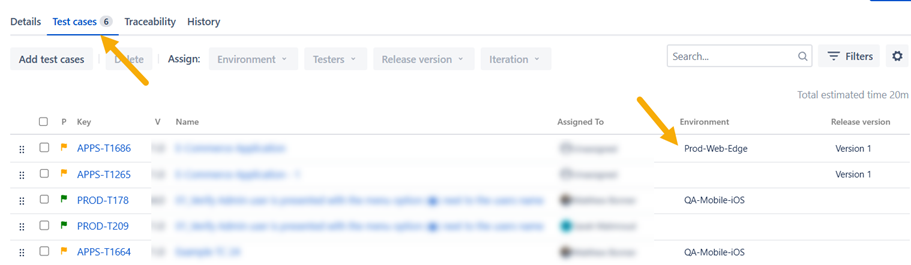
Your environment is added to the test case.
Labels
To add a new label, do the following:
Click Configuration.
Click Labels under General section.
Enter the name of the label and click Add.
Click Delete unused labels to delete all the labels that are not added to any test cases.
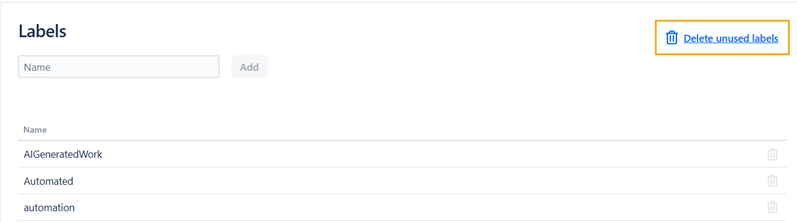
To add an existing label to a test case, do the following:
Click the Test Cases view.
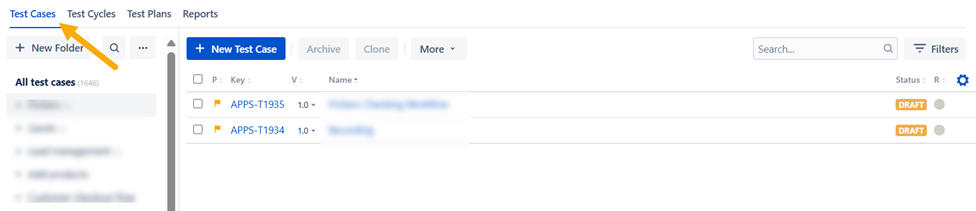
Select any of the test cases.
Click Labels under Details. You can select an existing label or create a new one by entering its name.
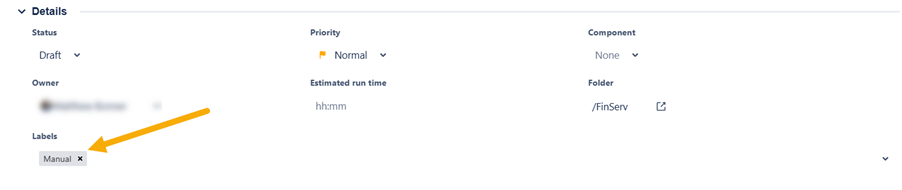
Your label is added to the test case.
Iterations
To add a new iteration. do the following:
Click Configuration.
Click Iterations under General section.
Enter the name and description. Click Add.
Your iteration is added.
To add an existing iteration to the test cycle, do the following:
Click the Test Cycles view.
Select any of the test cycles.
Choose the iteration you want to add to the test cycle under Details.
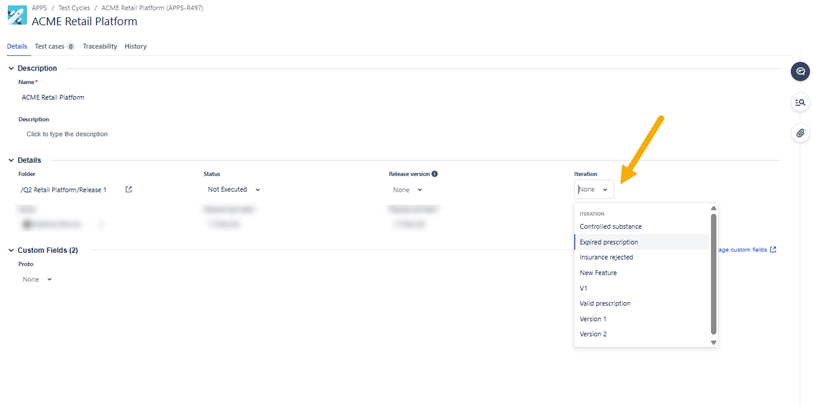
Your iteration is added to the test cycle.
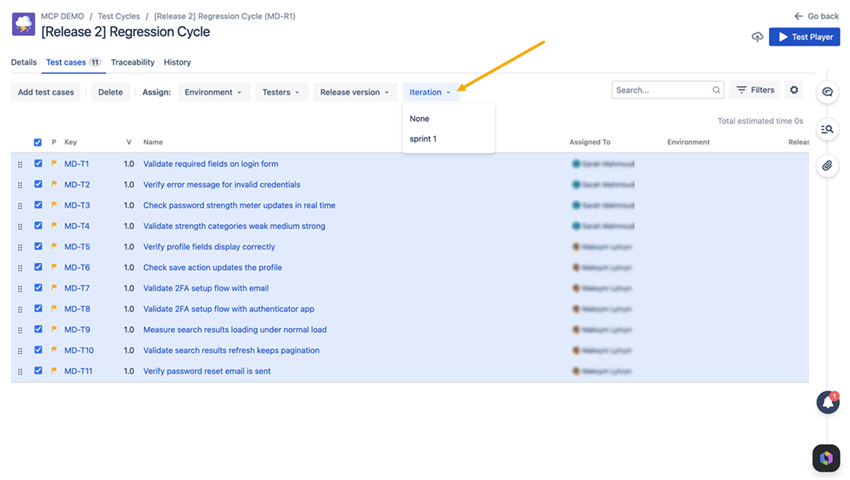
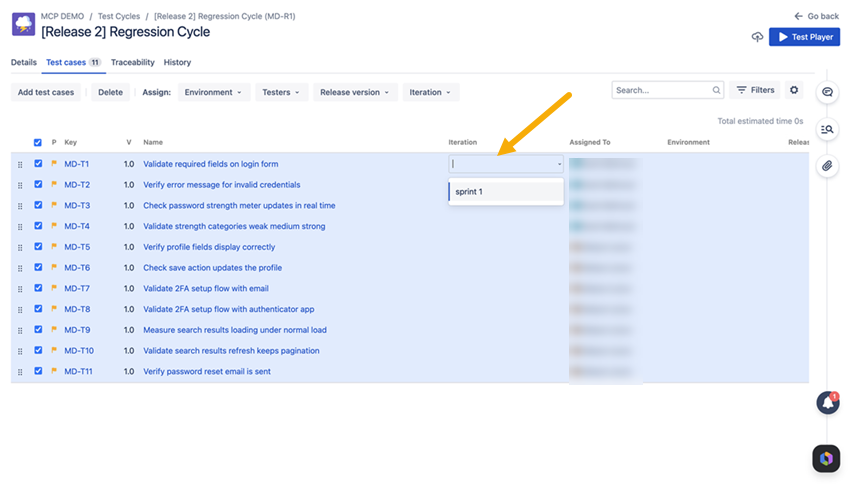
You can also add iterations from test cases directly to test executions.