Connect to an Existing Reflect Account
Connect your accounts
Note
You cannot connect a Zephyr Essential account to a Reflect account.
To connect your Reflect account with the Zephyr, run your first automated test. Perform steps 1 to 4 in How to run an automated test.
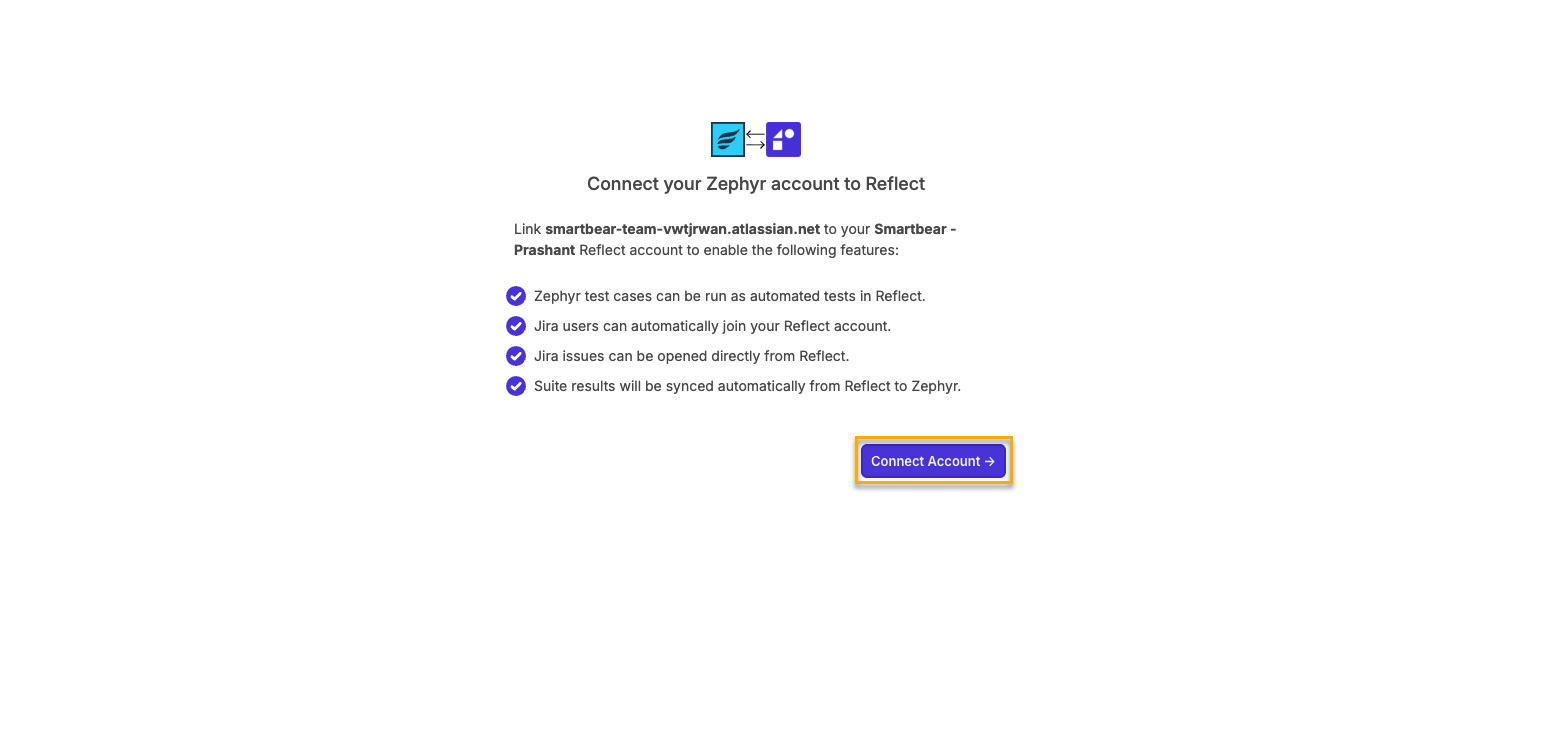
The panel appears. Click Connect Account.
You are redirected to the test step suggestions page, where you can edit/improve/delete your test steps. Click Approve and Run.
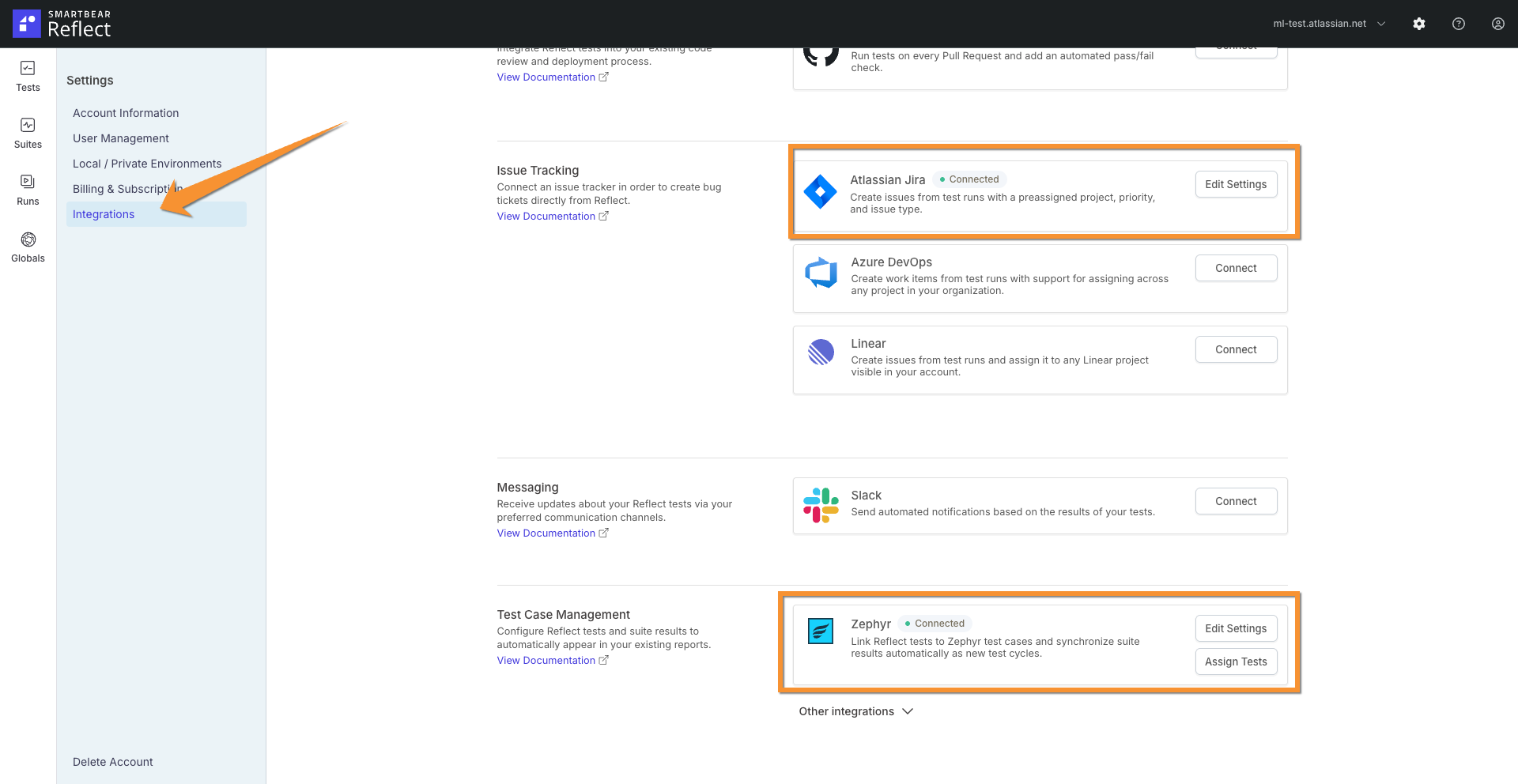
Your Jira instance and Zephyr is now connected to your Reflect account.
To check if your Jira instance and Zephyr is connected to your Reflect account, do the following:
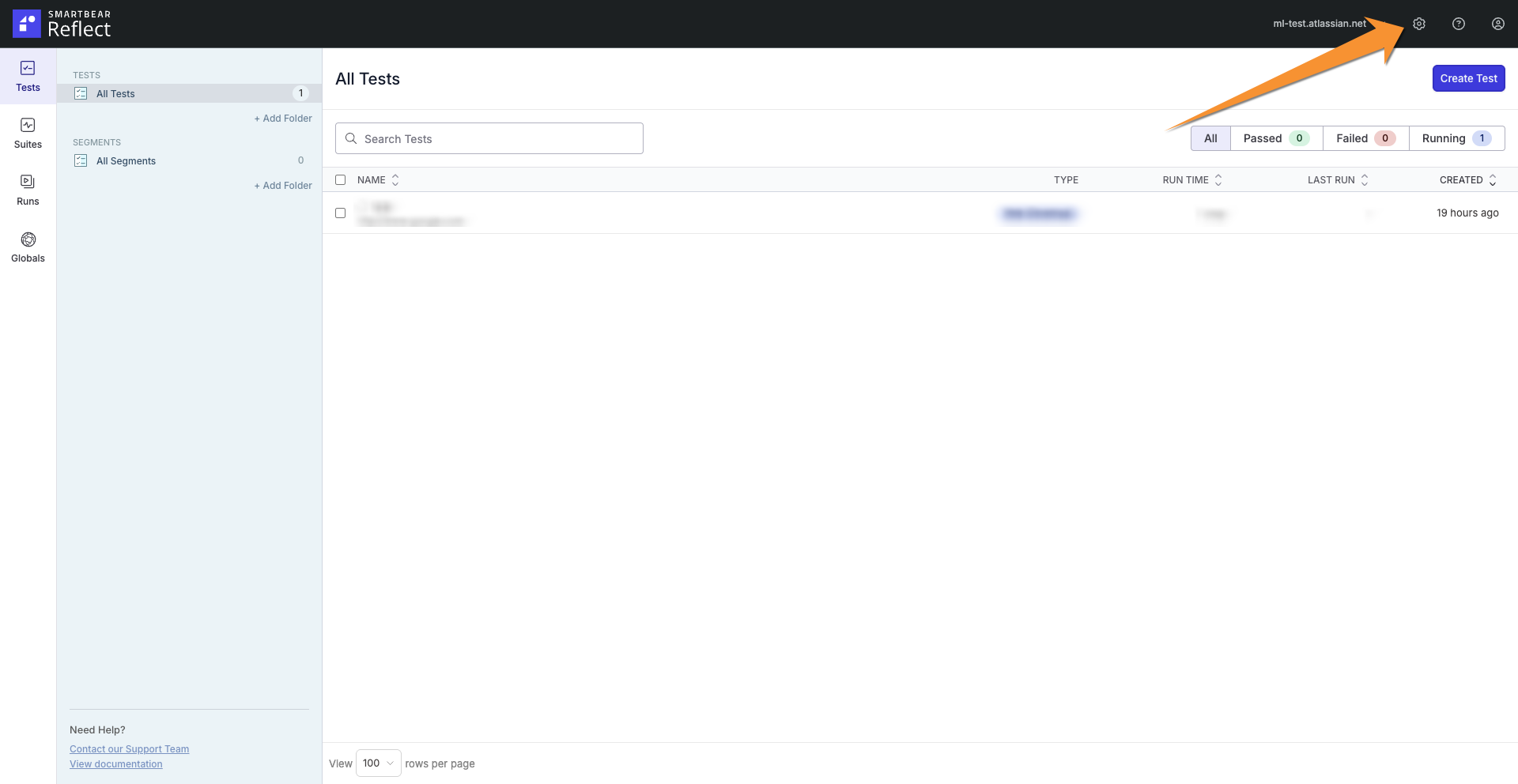
Click Settings.
Click Integrations. You can see that your Jira instance and Zephyr is now connected to your Reflect account.