Creating and Saving a Custom Template for Reports
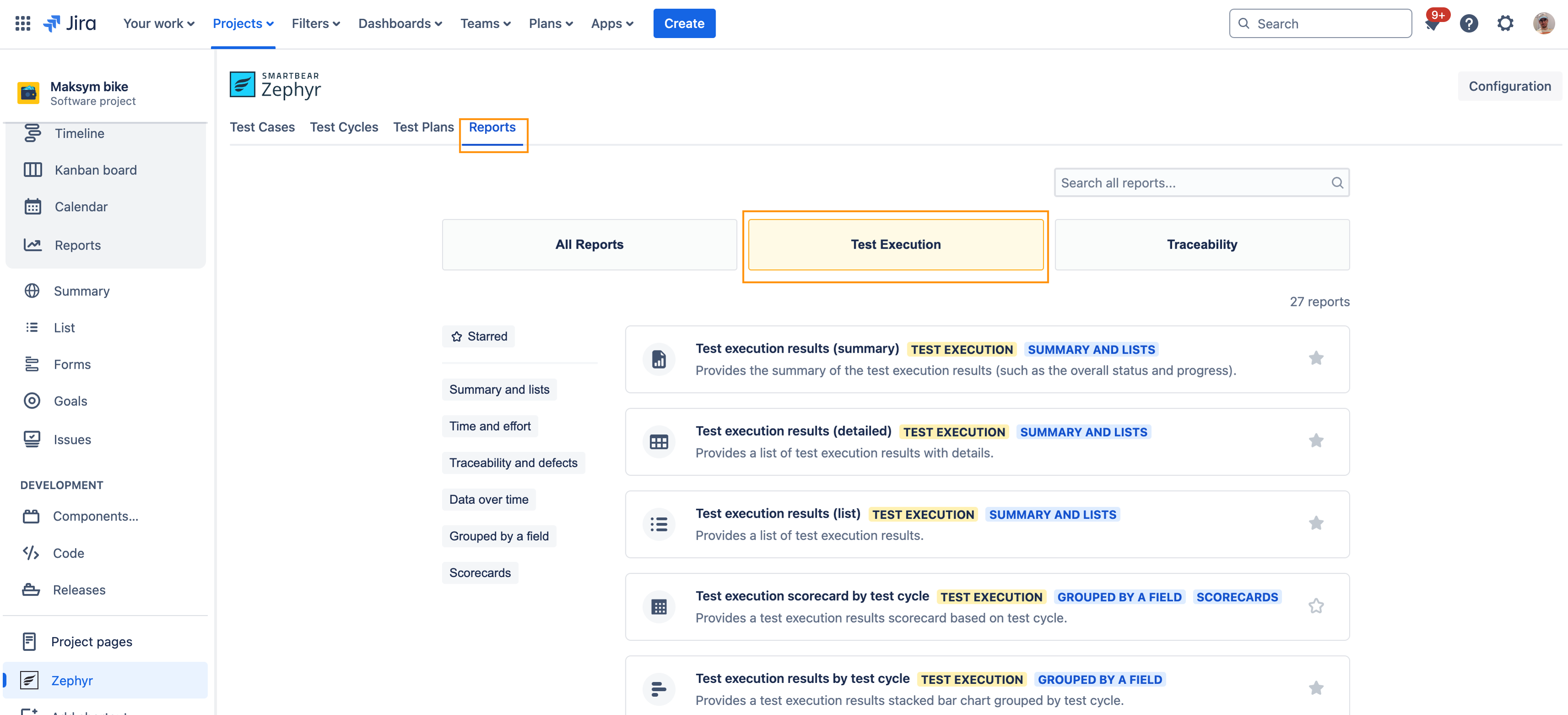
Go to Reports tab and choose any report.
Choose the report filters that suit your needs best.
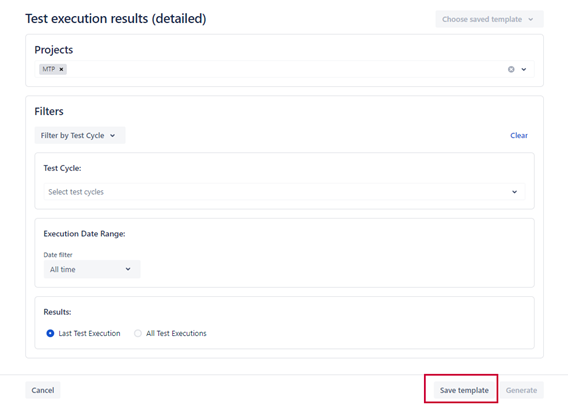
Click Save template.
Choose the name for your template and click Save.
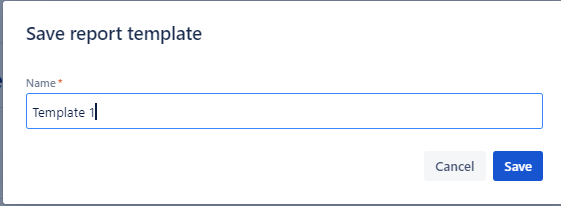
Once your template is saved, you can reuse it by opening Choose saved template list. All your saved templates are available to you for any report across the Jira instance.