Linking Jira Fields
Note
The Release version and Components are Jira Fields. You can configure Jira components and enable Release version as needed.
Linking Test Cycles to Release Version
To link the test cycle to releases, do the following:
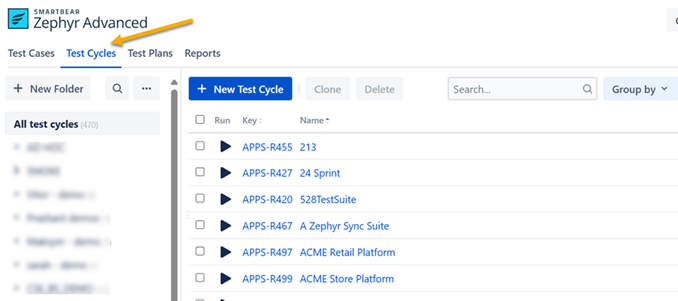
Click the Test Cycle view.
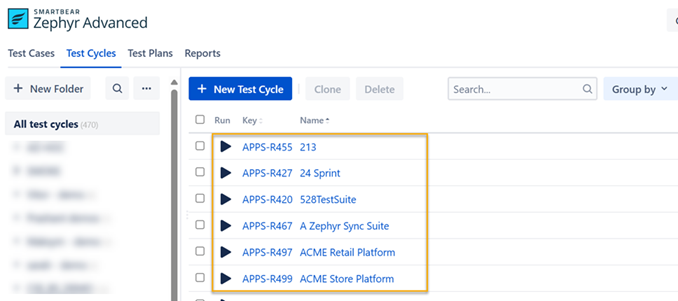
Click any of the test cycles.
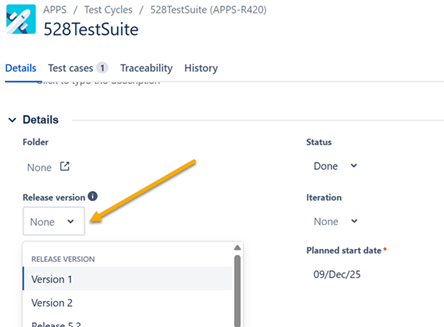
Select the Release version under Details.
Select the test cases you want to link to the Release version from Test Cases. Only test cases recently added to the test cycle will appear as linked to the release version.
Result: Your test cycles will be linked to the release version.
Linking Test Cases to Components
To link the test cases to components, do the following:
Click Test Cases view.
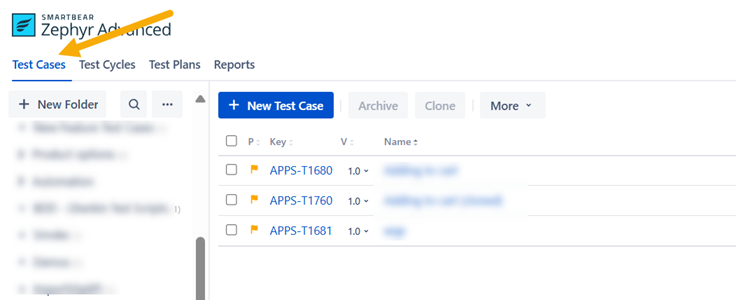
Click any of the test cases.
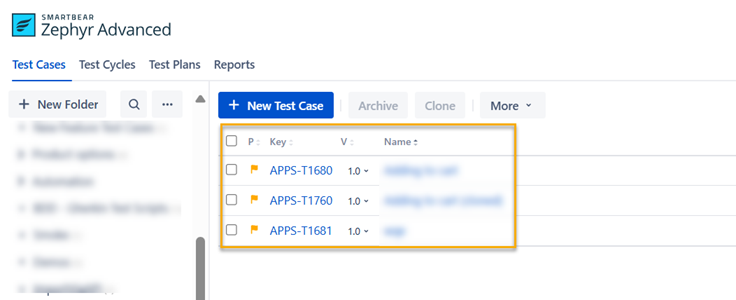
Select the Component under Details.
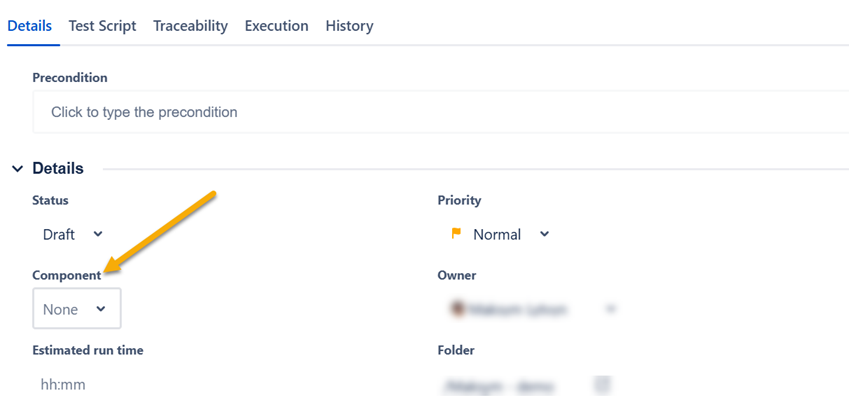
Result: Your test case will be linked with the selected component.