Adding Attachments in Test Step
You can attach files to individual test steps during test execution. Step-level attachments provide evidence for a specific action or result, such as a screenshot of a failure or a log file captured during the step.
To add an attachment to a test step, do the following:
Open the test cycle and select the test case that contains the step you want to attach a file to.
In the test script, locate the step you want to attach a file to.
On the right side of the step row, select the Attachments icon.
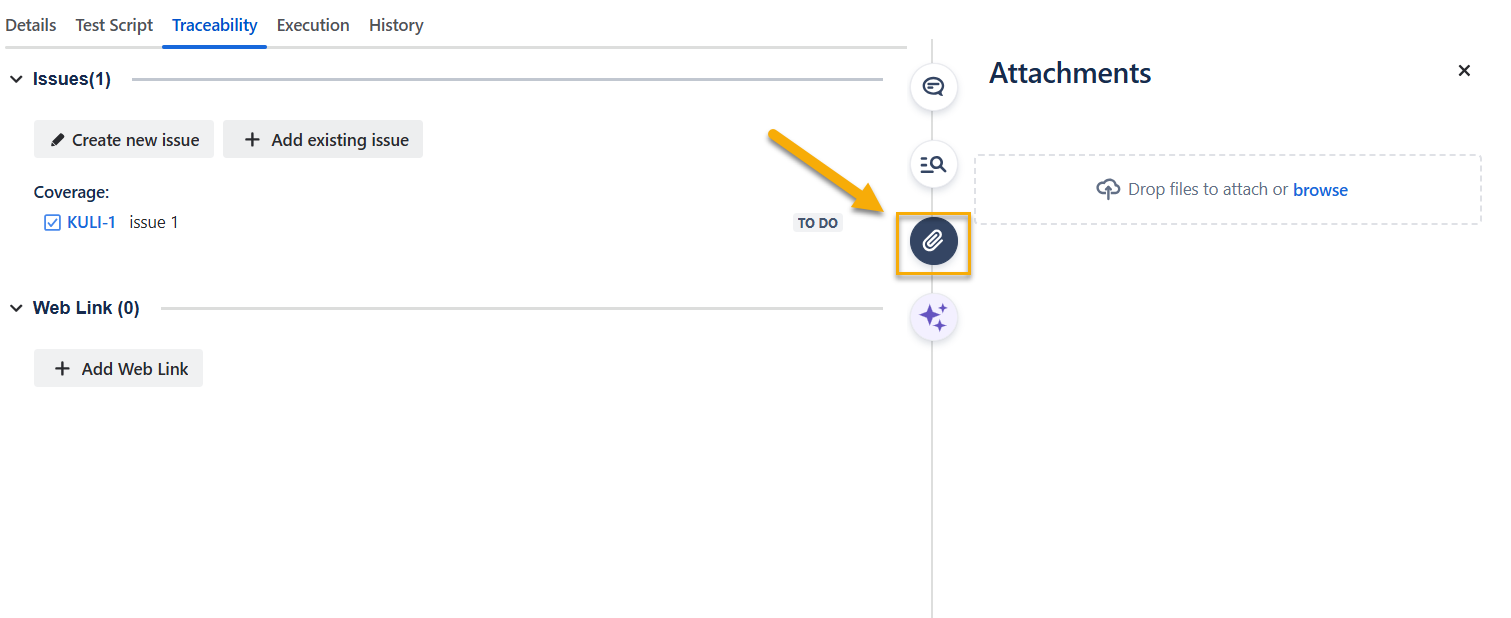
Drag and drop a file into the attachments area, or browse for a file on your computer.
The attachment is saved at the step level and is visible when you review the step results.